
Making a game with an agent
Let an agent like Claude Code build a level in the open editor over MCP: it makes entities, plays the game, looks at it and saves the scene.
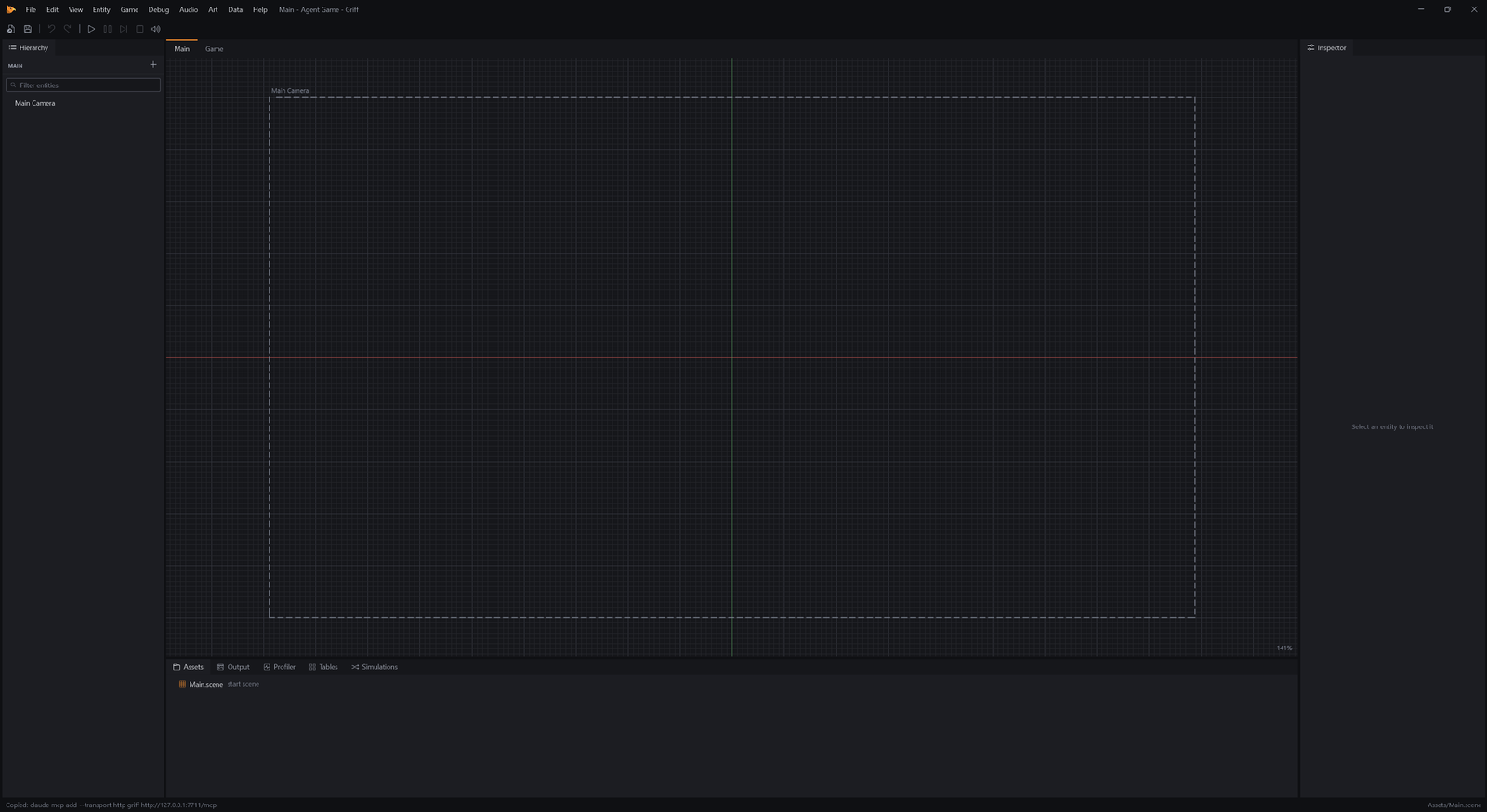
Make a project: File → New Project (Ctrl+Shift+N), name it Agent Game, pick the Empty template and Create.
Connect an agent
Section titled “Connect an agent”While Griff’s editor is open it serves the Model Context Protocol on this computer, on a port that only this computer can reach. An agent that speaks MCP can drive the editor much as you do.
- Choose Help → Copy MCP Setup Command.
- Paste it into a terminal, in the folder you work in. For Claude Code that is claude mcp add –transport http griff http://127.0.0.1:7650/mcp, and other MCP clients take the same address.
Help, Copy MCP Setup Command puts the line that adds the server to Claude Code on your clipboard. Help, MCP Server turns the server off if you do not want it. The editor has to stay open and showing, because the game only runs while it is.
What the agent can use
Section titled “What the agent can use”The server has no list of features of its own. Every menu command is a tool, named by its id with the dot turned into an underscore, and every component can be added and set with the scene tools. When Griff gets a new feature, agents get it too.
{ "search": "platformer"}This is the first thing an agent does: ask which components there are. Each one comes with a description, so it learns what Platformer Movement does and which properties tune it.
Build a level
Section titled “Build a level”Now ask the agent for a small platformer: a hero, some ground, a ledge and a coin. This is the call it makes for the hero and the ground.
{ "entities": [ { "name": "Player", "position": [ 0, 0 ], "components": { "Sprite": { "size": [ 0.8, 1 ], "tint": "#F08C2E" }, "BoxCollider": { "size": [ 0.8, 1 ], "layer": "Player" }, "Body": {}, "PlatformerMovement": { "jumpHeight": 3.4 } } }, { "name": "Ground", "position": [ 0, -3 ], "components": { "Sprite": { "size": [ 16, 1 ], "tint": "#484B55" }, "BoxCollider": { "size": [ 16, 1 ] } } } ]}Components are keyed by name and properties are written as the Inspector shows them. Whatever a component needs comes along with it, and the whole call is one undo step in the editor, so you can undo what an agent did with Ctrl+Z.
{ "entities": [ { "name": "Ledge", "position": [ 4, -0.8 ], "components": { "Sprite": { "size": [ 4, 0.5 ], "tint": "#6B707D" }, "BoxCollider": { "size": [ 4, 0.5 ], "oneWay": true } } }, { "name": "Coin", "position": [ 4, -1.8 ], "components": { "Sprite": { "size": [ 0.5, 0.5 ], "tint": "#E3B341" }, "CircleCollider": { "radius": 0.3, "isTrigger": true }, "Pickup": { "layers": "Player" } } }, { "name": "Score", "position": [ -6, 4 ], "components": { "Text": { "value": "Score: 0" }, "Counter": {} } } ]}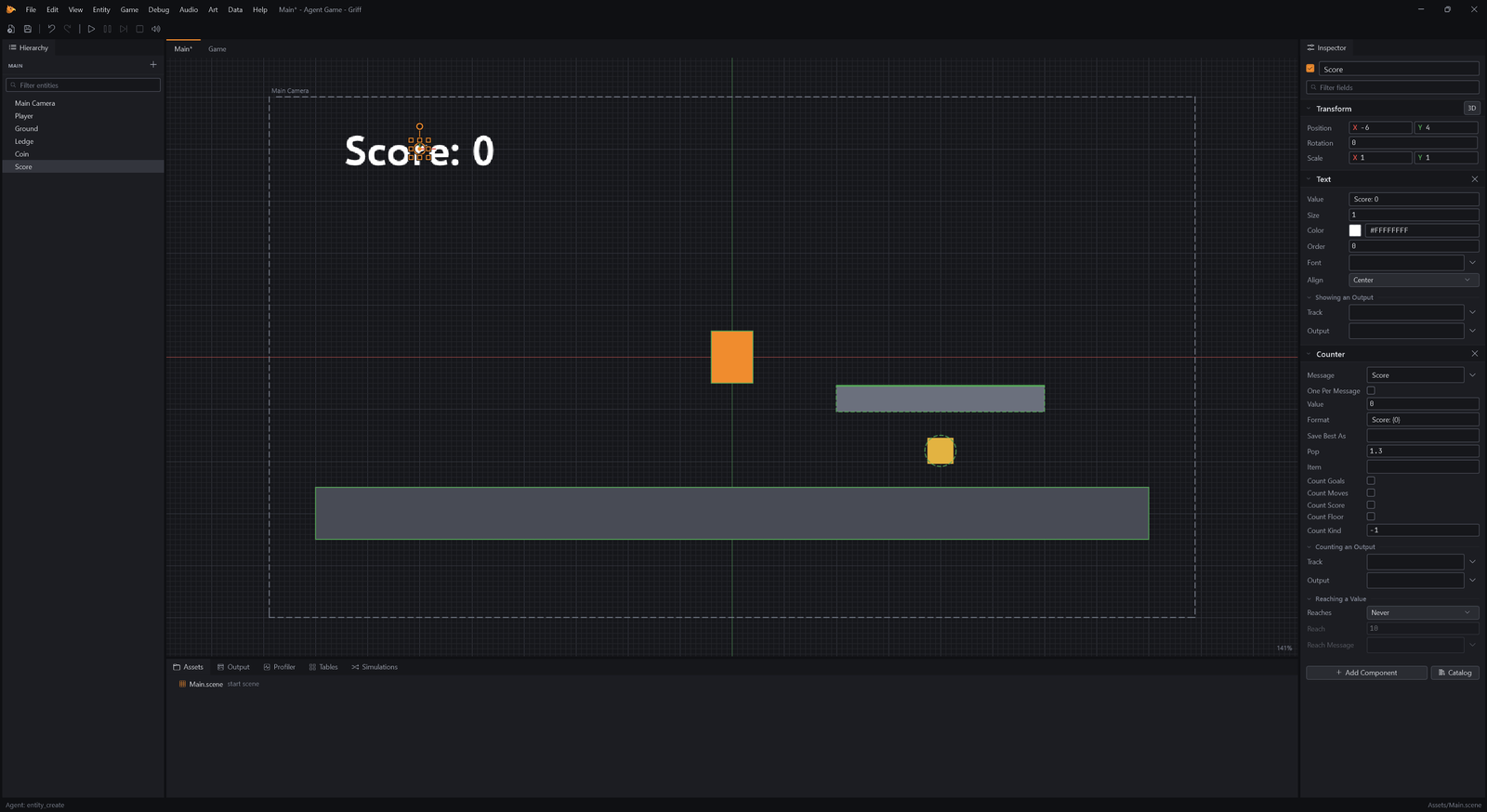
Look at the scene
Section titled “Look at the scene”{}An agent checks its work the way you would. scene_tree lists what is in the scene, entity_get shows one entity in full, and editor_screenshot shows the game or the whole editor as a picture it can look at.
{ "view": "editor", "max_width": 800}Play it
Section titled “Play it”Game_Play is the Play button as a tool. game_input presses keys in the running game as a player would, and reports on the entities it is told to watch.
{}{ "steps": [ { "hold": [ "Right" ], "seconds": 1 }, { "tap": [ "Space" ] }, { "wait": 0.8 } ], "watch": [ "Player", "Score" ]}
The agent ran right, jumped and took the coin on the way, and the answer says where the hero ended up. If something is off, it changes a property with entity_update, plays again and looks again.
{}Keep it
Section titled “Keep it”{ "entity": "Player", "changes": { "components": { "PlatformerMovement": { "jumpHeight": 3.2 } } }}{}Saving writes the scene to its file like Ctrl+S does, and the project is ordinary files, so the work is something you can open, change by hand and keep in git. The next tutorial uses the same tools to balance a game with data tables.